

Harbour Guide
User
Access GUI
- After login with user provided by admin, the GUI will be like this:
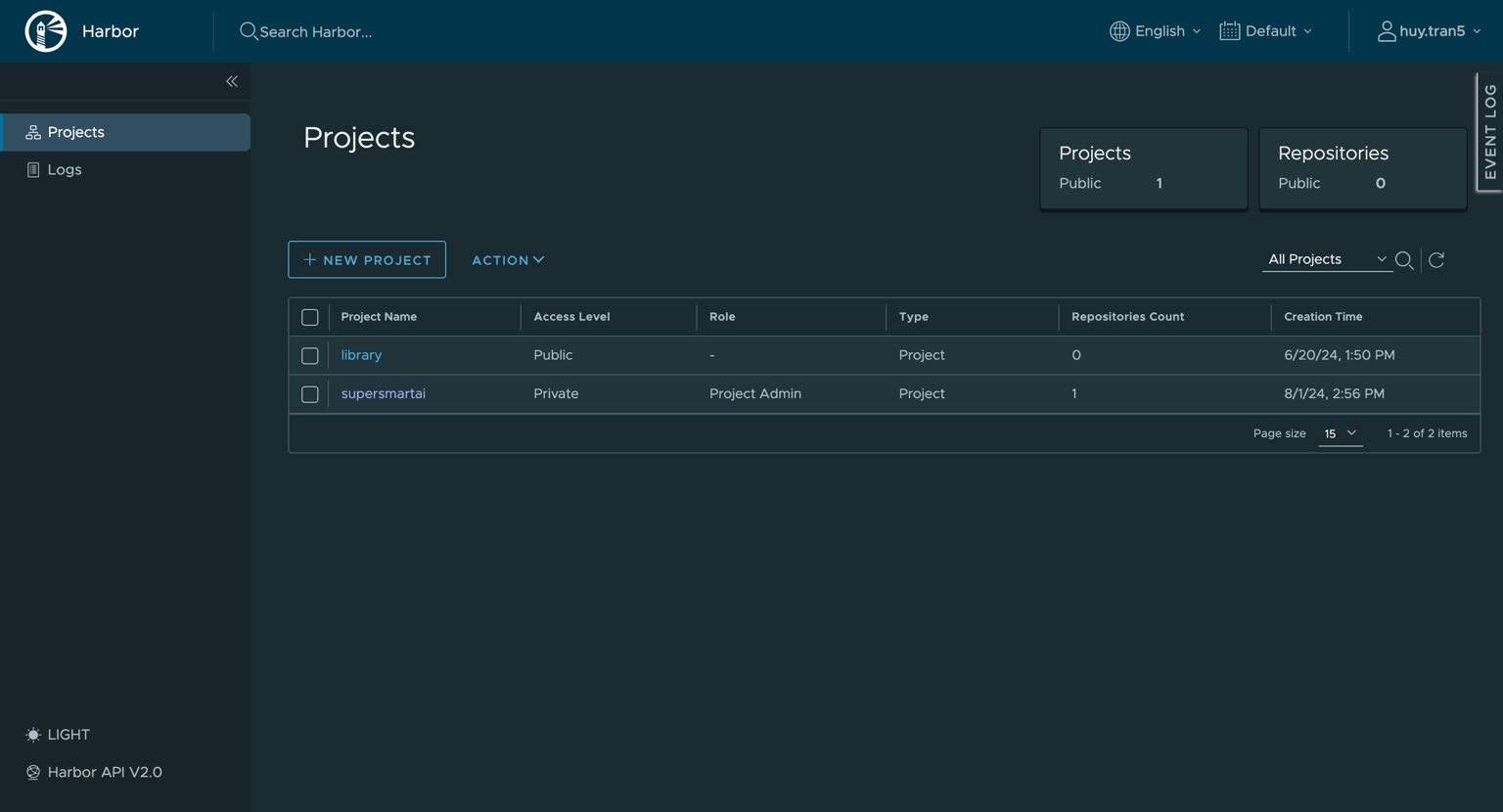
- In Project tab, you can see the project you have permission to access it.
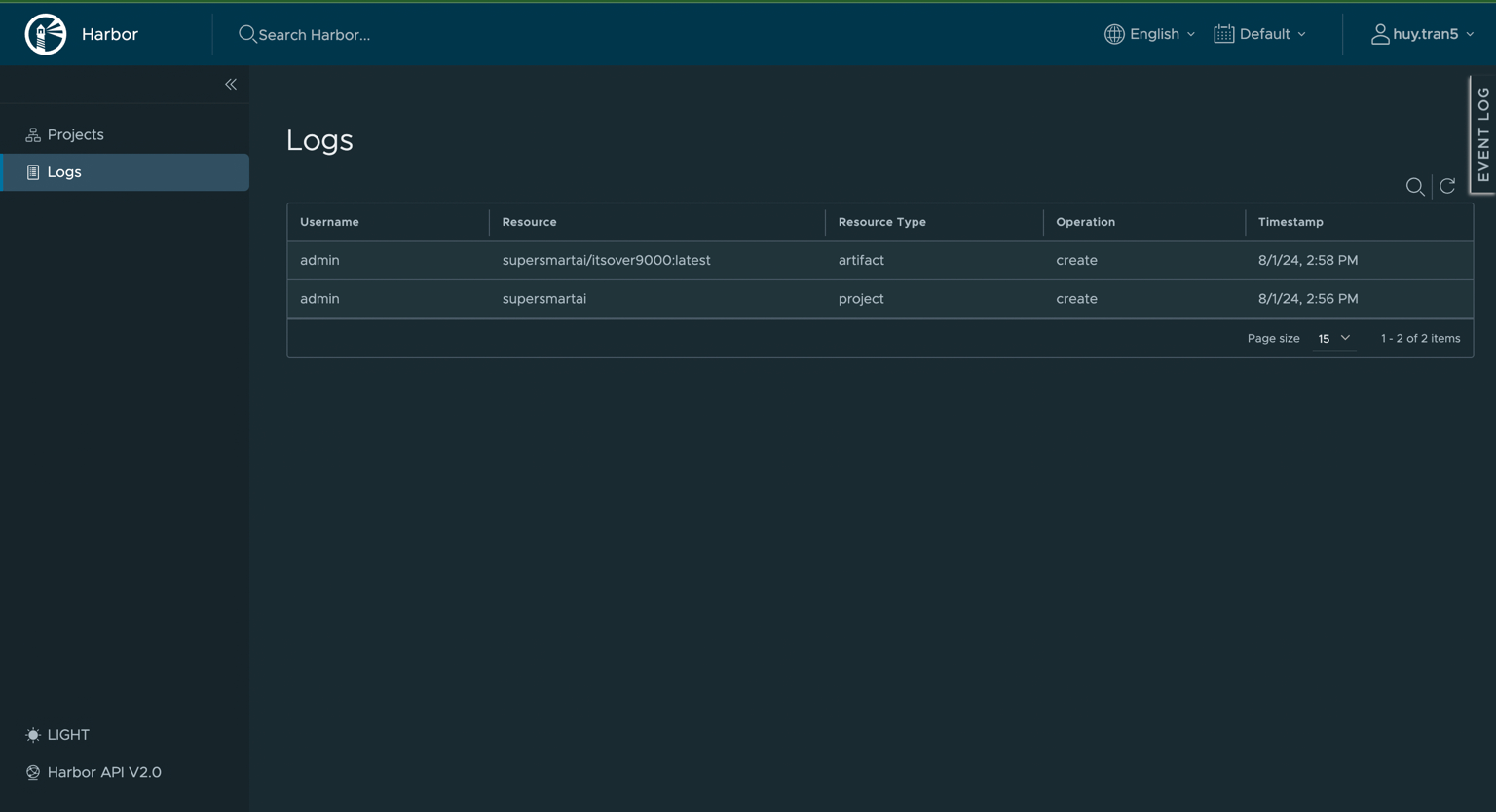
- The Logs tab will show the log
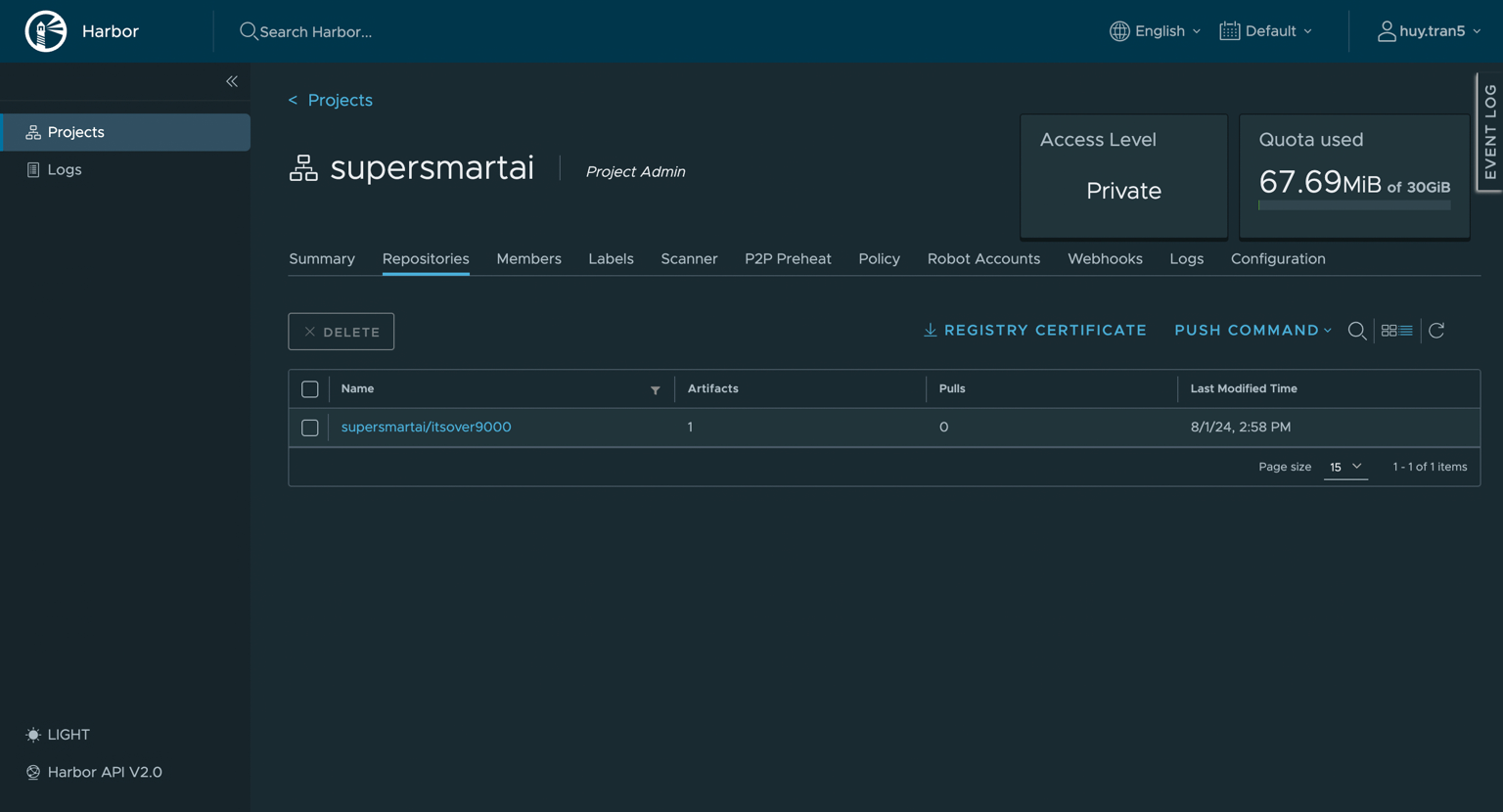
- Click on project to see detail
Using CLI to push/pull image
- Login: Use your account to login
docker login harbor.dev.devsaitech.com

- Tag image and push image
- docker tag nginx harbor.dev.devsaitech.com/supersmartai/itsover9000
- docker push harbor.dev.devsaitech.com/supersmartai/itsover9000

- Pulling image:
- Login with account
- Pull image with command:
- docker pull harbor.dev.devsaitech.com/supersmartai/itsover9000

Note: You can refer to this if you find trouble: